 Request demo access
Northvane Roofing
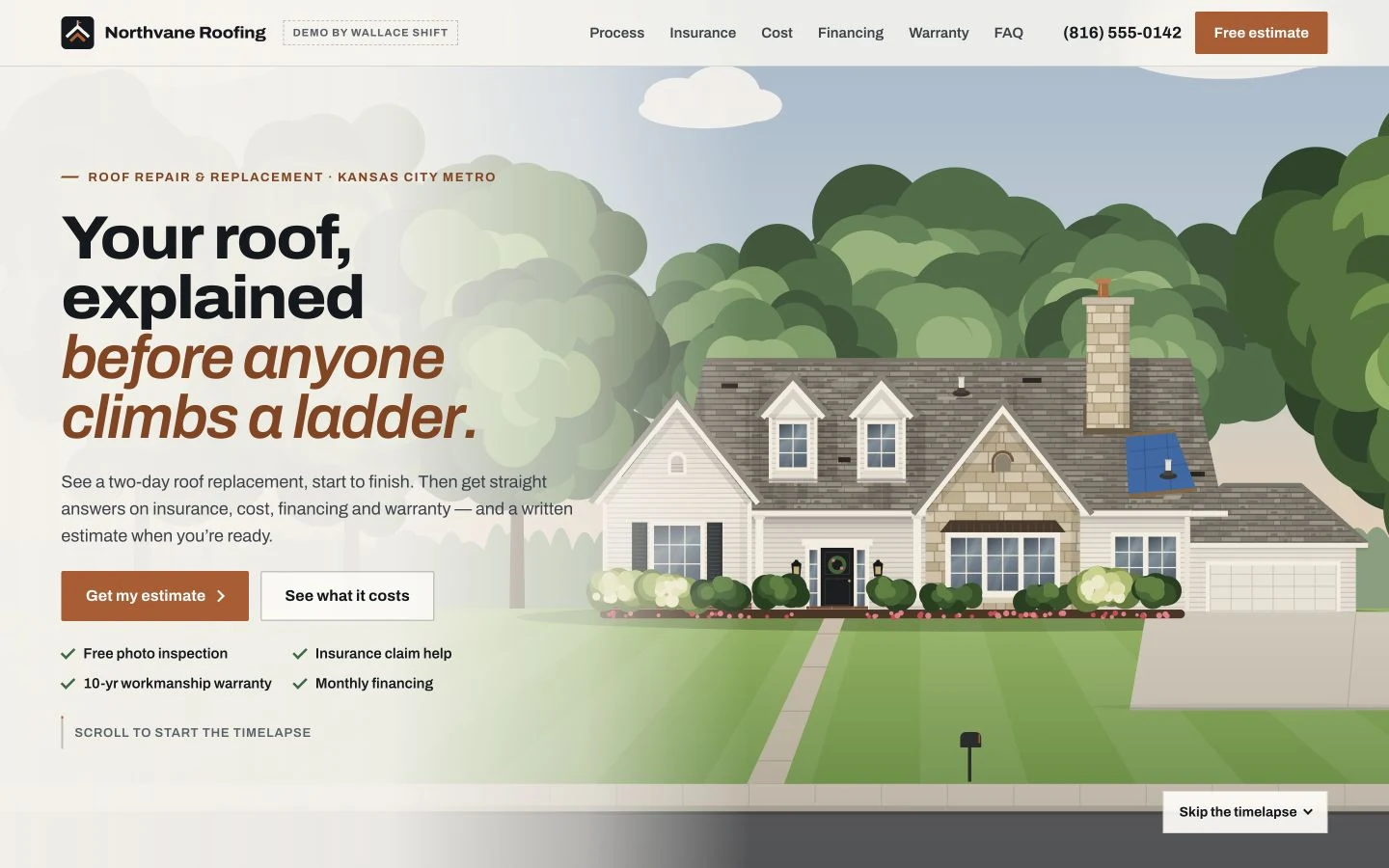
Architectural. Confident. Direct.
An interactive roof transformation that turns a complicated project into a clear next step.
- Scroll-driven roof story
- Interactive roof estimator
 WALLACE SHIFTDiscuss your needs
CRM & workflow automation for roofers
THE COLLECTION / 01—06Connect inquiries, customer records and follow-up in a roofing CRM shaped around your team. Give every opportunity a next step and owners a clearer view of the work.
A limited collection. Five client places.
With purchase of a CRM integrated with AI.
Your plan covers CRM setup and managed automation for 12 months. The website build is free within the agreed scope.
CRM + managed automation starts at$750/month
01 / The customer-facing part
Your website helps homeowners explain what they need. Explore a design direction, then plan how those inquiries should reach your CRM and the people responsible for following up.
Request demo access Architectural. Confident. Direct.
An interactive roof transformation that turns a complicated project into a clear next step.
 Request demo access
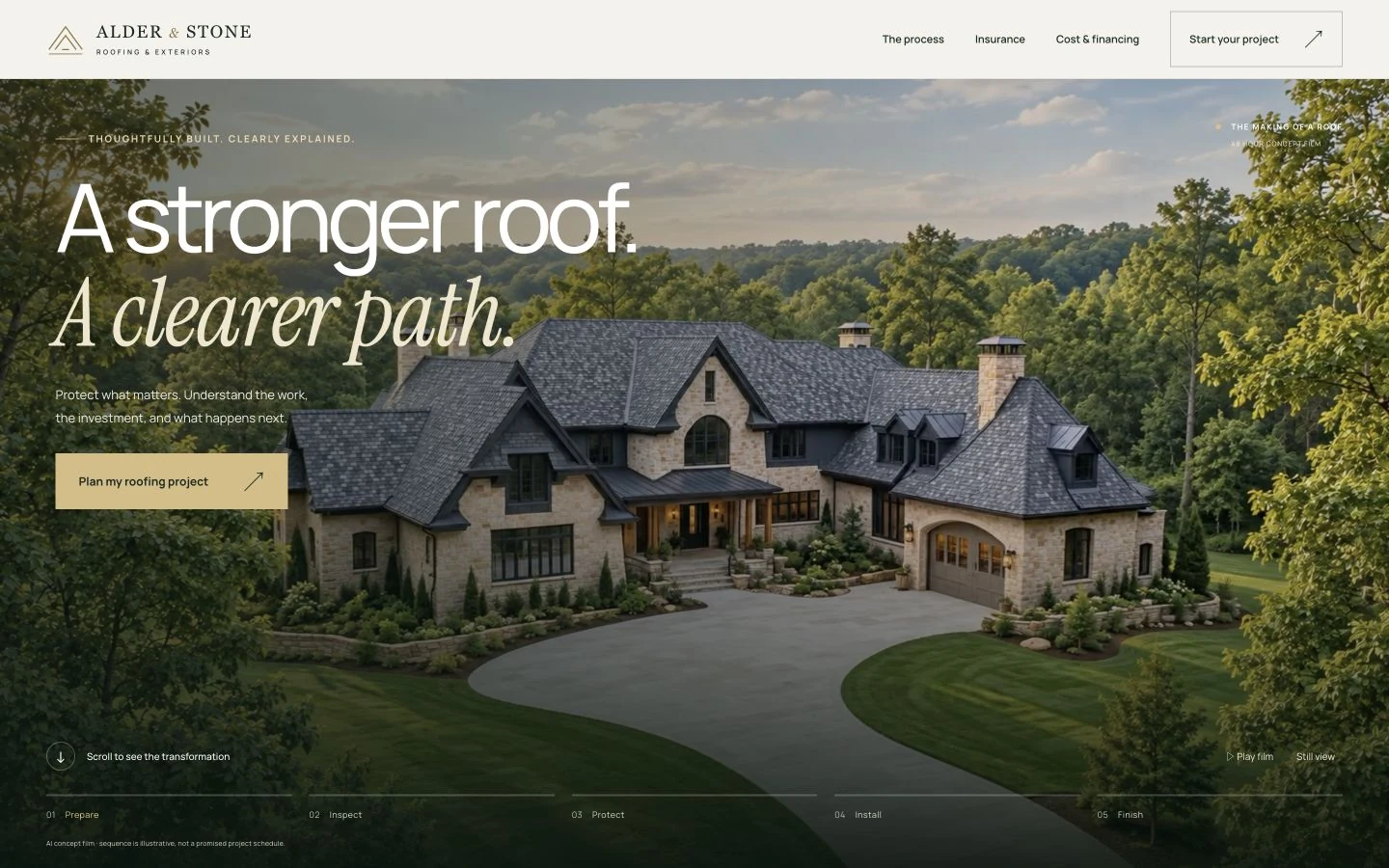
Cinematic. Considered. Reassuring.
A film-led experience that helps homeowners understand the work before they request an inspection.
 Request demo access
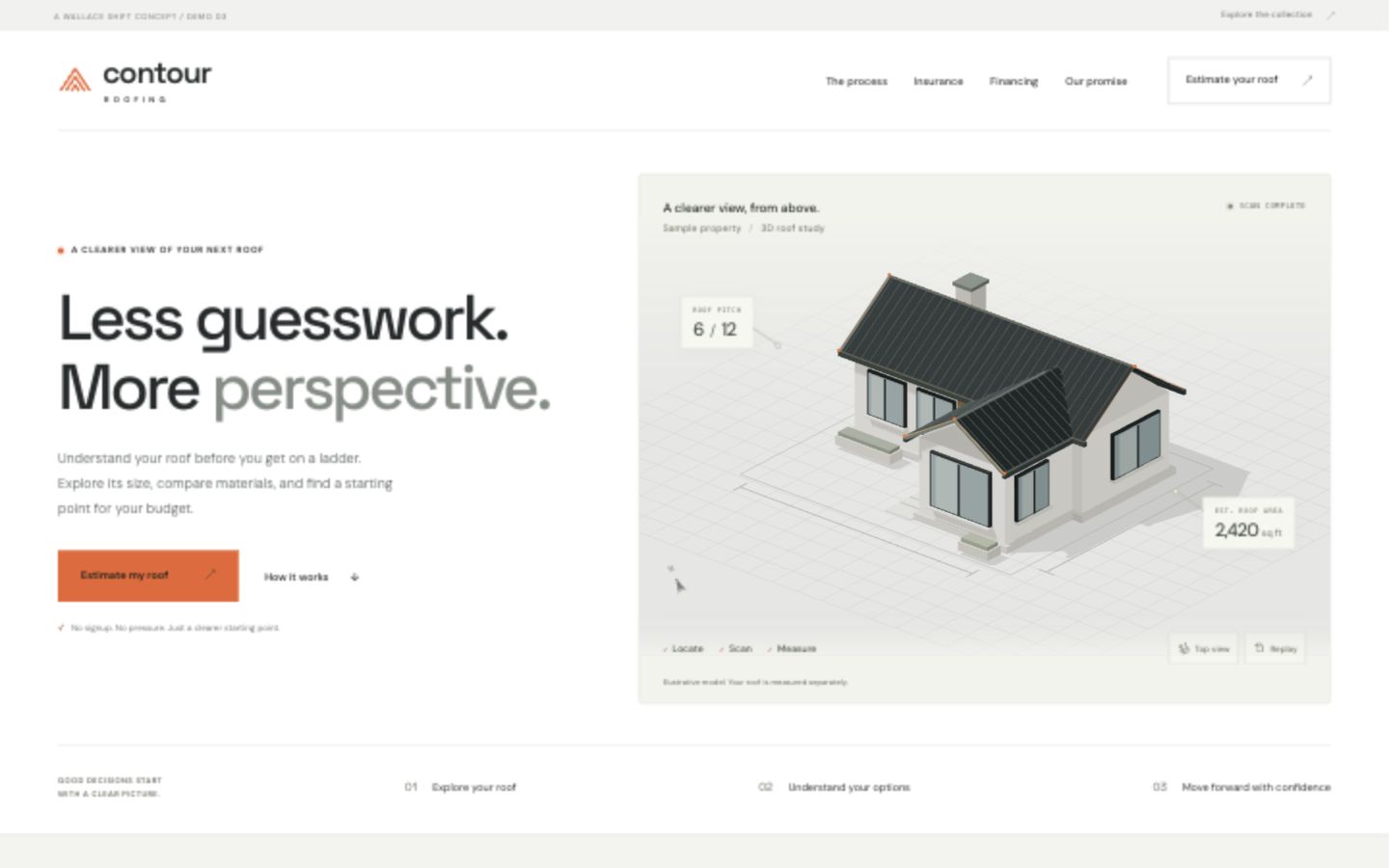
Precise. Modern. Transparent.
An estimator-first experience that brings the roof into focus with a 3D survey and a clear project range.
 Request demo access
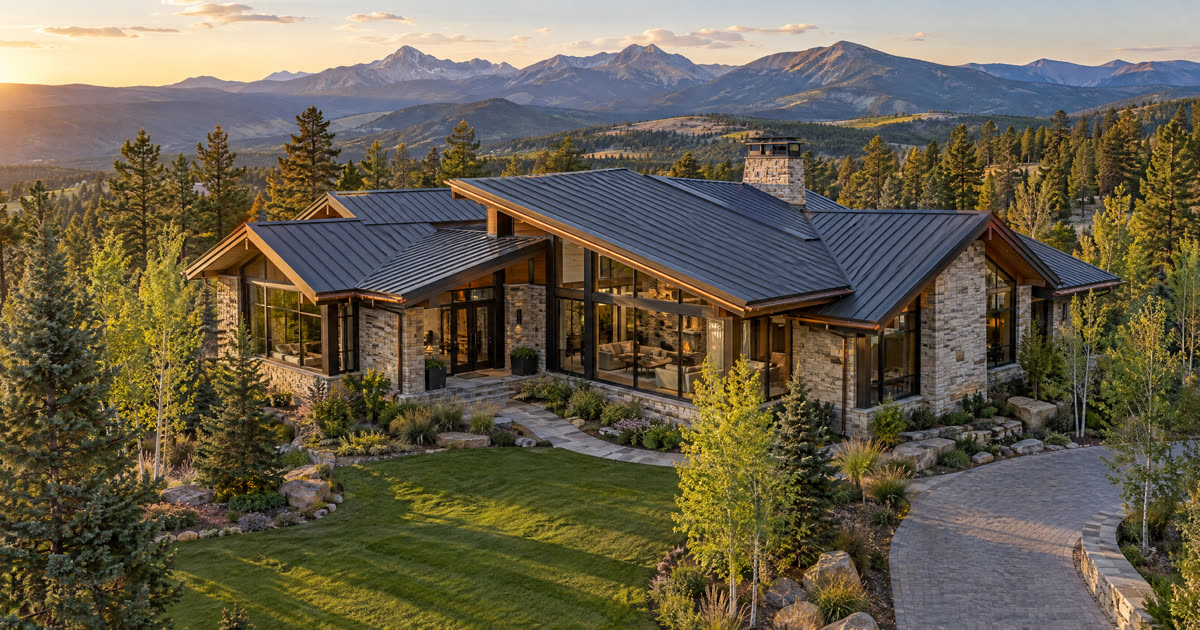
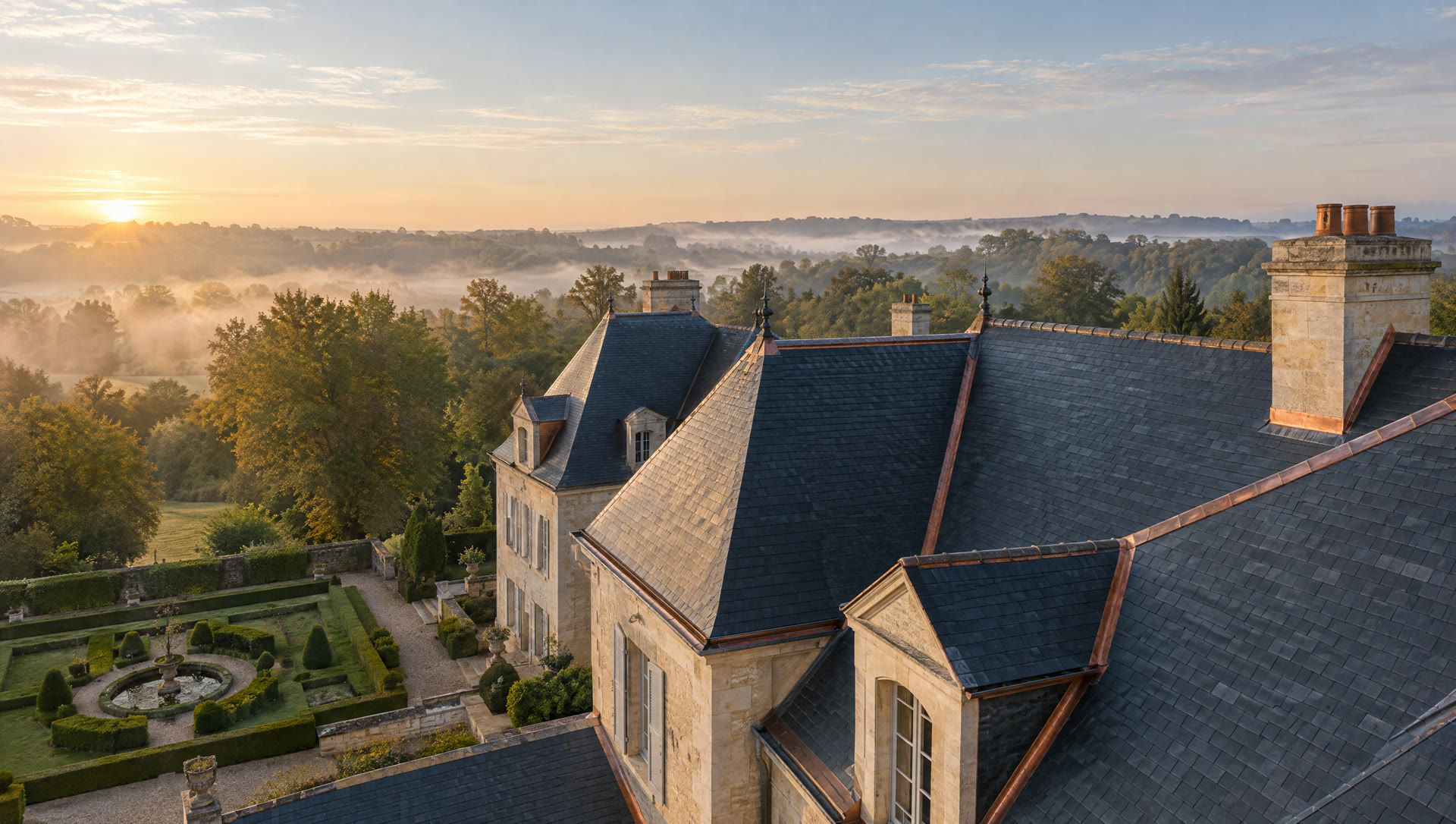
Cinematic. Luxurious. Transparent.
A drone-film concept with an AI roof visualizer for a homeowner’s photo, illustrative planning prices and a preview of a proposed client ledger.
 Request demo access
Sculptural. Coastal. Bespoke.
A luxury roofing concept with an AI photo design studio, planning prices and an interactive sample owner portal. It shows how customer choices and project information could fit together.
 Request demo access
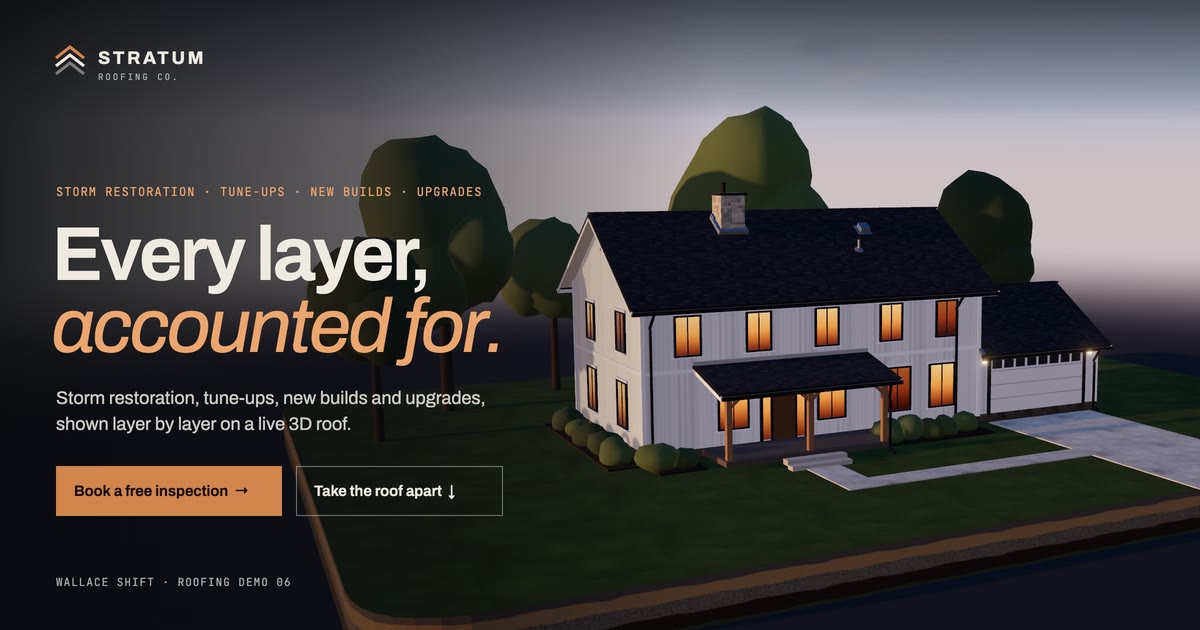
Interactive. Engineered. Unforgettable.
One live 3D home carries the whole site: watch a storm hit the roof, take it apart layer by layer, see a new roof built and design your own with real measurements.
Every roofing brand in the collection is an illustrative contractor concept. Content, imagery and tools shown in the demos are examples; your final website, CRM setup and automation scope will be agreed together.
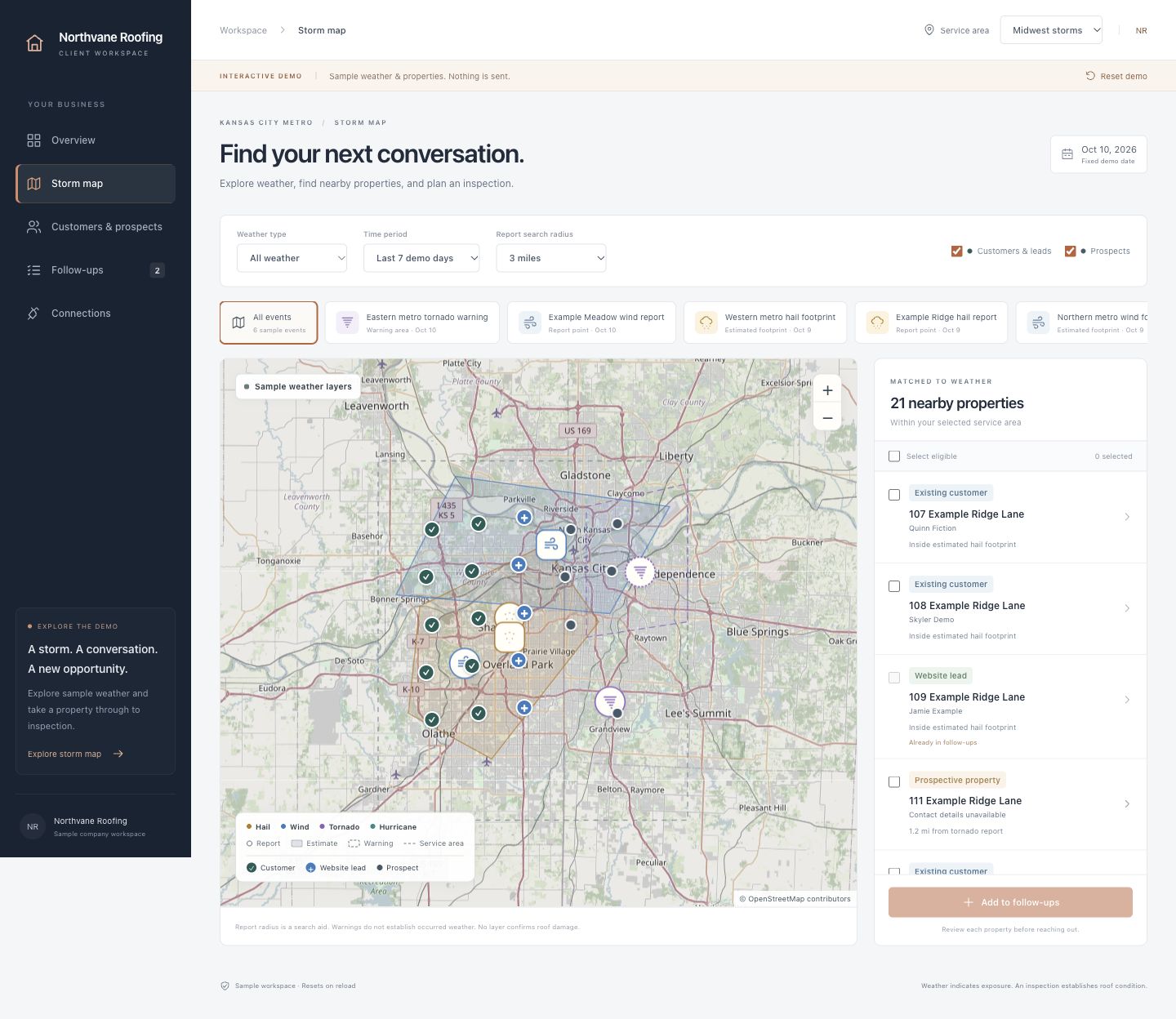
Sample storm mapMap © OpenStreetMap contributors
02 / Customer records & operations
A CRM keeps customer details, properties and project activity together so your team can see who needs a response and what happens next. The roofing offer includes tools for:
Ads and social media tools are included. Done-for-you campaign and content management are priced separately by scope.
Request dashboard accessThis demo uses fictional records. It sends no messages and books no real appointments. Your agreed plan defines the live connections and workflows to be implemented.
03 / Workflows to consider
Start with missed calls, open estimates or information being entered twice. We map the handoffs, agree which workflows to build, then monitor and maintain them.
Capture the inquiry, acknowledge it and put the next step in front of your team.
Keep open proposals moving and bring replies back to the salesperson.
Confirm appointments, send reminders and follow up when plans change.
Give customers a place to see confirmed progress, photos and next steps.
Make the review invitation part of job completion, with a limited reminder.
Compare weather areas with customer properties and prepare a reviewed outreach list.
These are options for a scoped implementation, not live integrations or a promise to include every workflow. We choose the useful ones with you and price their setup and management around the agreed scope.
Connect the steps between a new inquiry and an approved job.
Bring inquiries from connected forms and ad channels into one customer record, preserve their source, check for duplicates and send an appropriate acknowledgment.
Create a callback task and send an appropriate acknowledgment after a missed call, with follow-up adjusted when the customer responds or opts out.
Collect the property address, roofing issue, urgency and preferred inspection time, then route urgent requests to your designated team member.
Check the service area and requested work, assign the right salesperson and alert a manager when an inquiry has not received a response.
Offer approved appointment availability, send confirmations and reminders, and adjust follow-up when an appointment is booked, changed or missed.
Follow up on open estimates and alert the salesperson to replies, stopping the sequence when the customer responds, accepts, declines or opts out.
Reconnect with eligible prospects who postponed a repair or replacement, with follow-up stopped when they respond, decline or opt out.
Track unsigned agreements and unpaid deposits, remind customers while action is outstanding and signal when the job is ready for production.
Reduce repeated admin between the signed agreement and final payment.
Turn an approved job into assigned tasks, required documents, material selections and a production checklist.
Share confirmed milestones, appointments, approved photos, documents and next steps in the customer portal, with notifications when information changes.
Send timely instructions about parking, pets, property access, material delivery and what homeowners should expect during installation.
Flag jobs potentially affected by weather and prepare schedule changes and customer updates for staff approval.
Send each crew its approved schedule, job address, scope, access notes and checklist, then track acknowledgment.
Remind staff about orders, delivery confirmations, permits and inspections, and flag missing prerequisites before installation.
Request missing photos and checklists, then assemble approved completion documents, warranty information and care instructions.
Use current accounting status to send balance reminders, stop them after payment and alert the office when personal follow-up is needed.
Build repeat business and keep your marketing and follow-up organized.
Overlay weather events with customer properties to prepare an outreach and inspection worklist for staff review, using eligible contacts and potential exposure rather than assumed roof damage.
Invite customers to review completed jobs using consistent eligibility, with a limited reminder that stops after a review or opt-out and alerts for new reviews.
Invite customers to refer someone, capture each referral, assign the appropriate follow-up and track resulting jobs.
Schedule eligible customer outreach around annual inspections, maintenance plans, warranty milestones and previously identified repair needs.
Connect ad inquiries to the CRM, flag spend or lead-delivery problems, route campaign changes for approval and report inspections and won jobs where tracking supports it.
Turn approved project photos and job details into draft posts, route them for approval, schedule publication and capture inquiries from supported channels.
Turn approved completed jobs into website case studies with before-and-after photos, work performed and customer-approved testimonials.
Summarize unanswered leads, aging estimates, unscheduled jobs, missing documents, overdue invoices and automation failures in one daily update.
Your workflow selection, connections and service scope are agreed before you commit. Benefits depend on your starting process and how your team uses the system.
Find the right starting point04 / How the offer works
CRM and managed automation from $750/month for 12 months.
$9,000 minimum service commitment at the starting price. The website build is free with your CRM plan. Your final monthly fee depends on workflow complexity, integrations and support. Ad spend, platform subscriptions and third party usage are separate.
Show us how inquiries become estimates and jobs, which tools you use and where follow up gets held up.
We confirm your paid CRM plan, the free website build, initial automations, ongoing support and final monthly price in writing.
We configure your CRM and agreed workflows, adapt the site to your business, then monitor and maintain the system. New workflows and substantial changes are scoped separately.
05 / Start with the work
Tell us about your current tools, missed handoffs and the work you want to improve. We’ll discuss the fit and scope; you do not need to choose a website first.
Five client places in this offer. An inquiry starts the conversation; it doesn’t reserve a design or commit you to a contract.